
3D Stereoscopic Subtitles for Meta Quest with HISPlayer Unity & Unreal SDKs
Want to play 3D stereoscopic subtitle within 3D video on Meta Quest?
HISPlayer Unity Video Player SDK supports 3D stereoscopic video playback (side-by-side and top-bottom) with 3D stereo subtitles drawn for both eyes in Meta Quest applications. Developers can use subtitle tracks from HLS and DASH streams or external WebVTT and SRT files, manage multiple subtitle languages, and build immersive VR video experiences.
HISPlayer also offers an Unreal Engine Video Player SDK with 3D stereo subtitle support, built for VR cinema, OTT streaming, and immersive entertainment applications.
Why Are 3D Stereoscopic Subtitles Important in VR?
Unlike traditional 2D video, stereoscopic VR video displays different images to the viewer’s left and right eyes to create depth.
Subtitles must be positioned and rendered correctly to remain comfortable and readable. Incorrect subtitle depth or alignment can cause double vision, eye strain, or difficulty reading text.
For 180° and 360° immersive video, subtitle placement becomes even more important because viewers can move their heads and look in different directions.
With 3D movies and immersive content becoming increasingly available on Meta Quest, developers need reliable video playback and subtitle solutions for multilingual VR experiences.
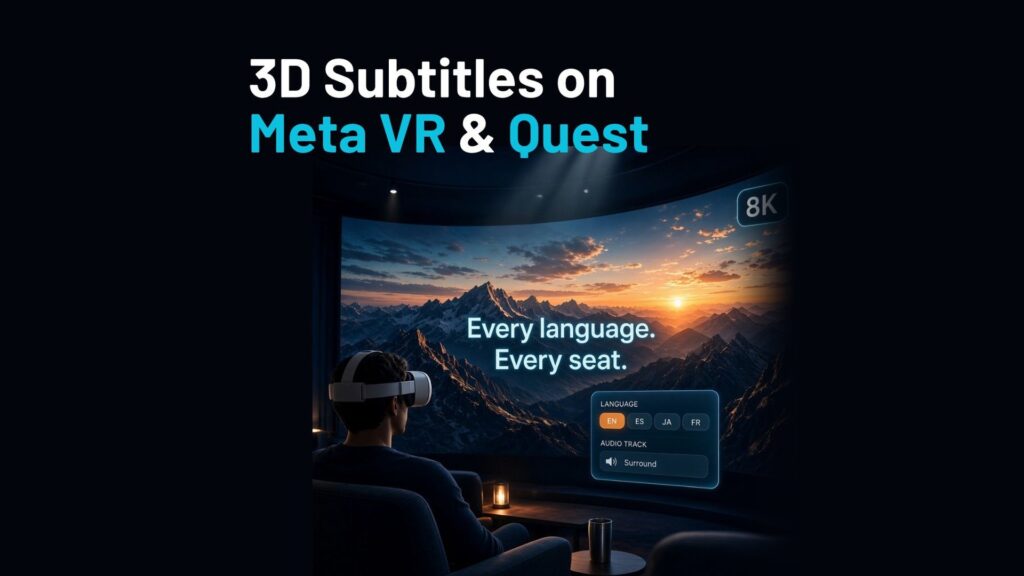
What 3D Video and Subtitle Features Does HISPlayer Support?
HISPlayer provides advanced video playback and subtitle-management capabilities for Unity and Unreal Engine applications.
| Feature | HISPlayer support |
|---|---|
| 3D stereoscopic video | Side-by-side (SBS) and top-bottom (TB) |
| MV-HEVC video | 4K per eye |
| Immersive video | 180° and 360° playback, up to 8K |
| Subtitle formats | HLS/DASH subtitle tracks, WebVTT, SRT |
| Subtitle management | Language selection, track switching, on/off |
| Subtitle information | Text, positioning and layout metadata |
| Video streaming | Adaptive HLS and MPEG-DASH |
| DRM content protection | Hardware-backed Widevine L1 DRM |
| Premium audio | Dolby Atmos, AC-3, E-AC-3 and AC-4 |
| Supported platforms | Meta Quest, Meta VR, PICO, XReal, HTC, and Android XR |
| Game engines | Unity and Unreal Engine |
How Does HISPlayer Handle 3D Subtitles?
HISPlayer renders 3D stereo subtitles together with stereoscopic video playback. The text is drawn for both eyes rather than as a flat overlay, so subtitles appear in 3D with the movie and remain comfortable to read.
Developers can access subtitle tracks, retrieve available languages, switch subtitles during playback, and use subtitle information within their VR applications.
For full control over caption appearance, the SDK also exposes caption layout information (text, position, alignment, and line), so your app can render subtitles in its own VR interface.
How to Add 3D Subtitles to a Meta Quest App in Unity
Integrating HISPlayer into a Unity VR application involves four main steps:
Step 1: Install HISPlayer Unity SDK
Choose the HISPlayer Meta Quest SDK for Meta XR applications or the OpenXR SDK for supported Android VR headsets, including Meta Quest and PICO.
Step 2: Configure 3D Video Playback
Load an HLS, DASH, or supported local video file. Select the appropriate stereoscopic layout, such as side-by-side or top-bottom.
Step 3: Add Subtitle Tracks
Use subtitle tracks available in your HLS or DASH stream, or attach external WebVTT or SRT subtitle files through the supported SDK workflow.
Step 4: Enable Subtitle Selection
Retrieve the available subtitle tracks and languages, then allow viewers to switch languages or enable and disable subtitles from your application’s interface.
HISPlayer Documentation
Why Choose HISPlayer for VR Video Applications?
HISPlayer packs advanced video playback into SDKs built for Unity and Unreal Engine.
Developers can integrate stereoscopic video playback, multilingual subtitle management, adaptive streaming, premium audio, and DRM protection without building an entire video playback stack from scratch.
This makes HISPlayer particularly relevant for:
- OTT and VR cinema: Streaming 3D movies with multilingual subtitles and DRM protection.
- Immersive entertainment: Delivering 180° and 360° video experiences.
- Sports and live events: Supporting multilingual video content.
- Training and e-learning: Providing captions and language options for immersive educational experiences.
End-to-End VR Video Hosting & Streaming with HISPlayer
Beyond 3D stereoscopic subtitle playback, HISPlayer Video Hosting & Streaming Platform provides an integrated solution for high-resolution VR/AR video delivery.
Combined with HISPlayer’s Unity and Unreal Engine Video Player SDKs, it brings together video storage, transcoding, adaptive HLS/DASH streaming, CDN delivery, and advanced playback with 3D stereoscopic subtitles for immersive 180°, 360°, and 3D video experiences in one place for Meta Quest and other supported XR devices. Give it a try!
Frequently Asked Questions
Can I play 3D stereoscopic subtitles on Meta Quest?
Yes. The HISPlayer Unity SDK plays side-by-side and top-bottom 3D video on Meta Quest and supports 3D stereo subtitles, so the subtitles are shown in 3D with the movie.
Which subtitle formats does HISPlayer support?
HISPlayer supports subtitle tracks delivered through compatible HLS and DASH streams, plus external WebVTT and SRT files on supported platforms.
Can viewers switch subtitle languages during playback?
Yes. Applications can retrieve available subtitle tracks, identify languages, switch between tracks, and enable or disable subtitles.
Does HISPlayer support DRM-protected 3D movies with subtitles?
Yes. HISPlayer offers hardware-backed Widevine L1 DRM and subtitle functionality on supported XR platforms, including Meta Quest. DRM is a Premium feature: contact HISPlayer for details.
Does HISPlayer support 3D subtitles in Unreal Engine?
Yes. HISPlayer Unreal Engine Video Player SDK supports 3D stereo subtitles. Contact HISPlayer for implementation details and supported configurations.
Build Your 3D VR Video App with HISPlayer
Whether you’re developing a VR cinema, OTT streaming service, or immersive application, HISPlayer provides video playback technology for Unity and Unreal Engine.
Contact HISPlayer to learn more about 3D stereoscopic subtitles, SDK integration, and premium video playback on Meta Quest.